Keep. We designed Keep, a project workspace for teams and their AI agents.
The challenge
Keep brings requirements, tasks, feedback, decisions, and time into a workspace used by teams and AI agents. The design needed to make those relationships visible and distinguish ongoing work from proposals awaiting review.
We designed the navigation, record layouts, review controls, visual system, and phone interactions. Shared interface patterns connect a project's overview with its individual records and show the actions available in each context.
- Contrast on amber
- 6.04:1
- The documented light-theme button pair: Keep amber with its dark foreground. This measures one color pairing, not the whole interface.
- Rules for the phone
- 10
- The mobile design plan defines ten guidelines for navigation, reading, editing, and touch interactions.
- Audit findings
- 764
- The copy audit records 764 finding rows across labels and messages. Rows can cover more than one string; this is audit scope, not a usability result.
We connected incoming work to requirements and delivery.
People and agents
New work needs a clear entry point and a visible connection to its purpose. We designed the ask field, feedback inbox, requirement links, and board around that progression. Consistent record names and status labels carry the context from capture into delivery.
I have an idea: let customers see the per-person cost before checkout.
The ask field gives people a place to ask about project work or request a draft, before choosing a specific record view. Feedback uses an inbox: the selected item sits beside the list, keeping its source and surrounding work in view. Show the per-person cost before checkout
Pilot customers asked for it in feedback, so they can approve a booking without a spreadsheet.
The requirement band keeps a task's purpose close to its execution. Its code, title, and link lead back to the requirement being delivered. In progress
2 of 5Lane counts distinguish the total workload from the cards currently shown. Show more reveals further work within the same status group.
We made relationships, changes, and review visible.
Threads makes the links between project records visible, grouped by cycle. Opening a record keeps that relationship view available as context. The activity rail places recorded changes beside the task. A reviewer can inspect its history while keeping the work itself in view. - UpdateDrafted by KeepNew updateCustomer onboarding4m
- Audience
- customer
- Period
- 2026-10-07 to 2026-10-14
- Labels
- pilot
Body
The per-person cost now shows on the summary step, tax included, and in the CSV export (ONB-301). Pilot customers can approve a booking without a spreadsheet. Ready for your review before we turn it on for everyone.
- DecisionDrafted by KeepNew decisionCustomer onboarding9m
Queue separates proposed decisions, published updates, and public shares from committed work. Approval requires manager permissions; the in-app assistant cannot approve. Other agent actions can write directly. The journal gives updates and decisions a dated reading order. Serif headings distinguish entries from the controls and supporting metadata.
We gave planning, execution, and reporting their own views.
We paired amber actions with cool surfaces and serif titles.
Color
Keep amber
Primary actions and focus, with separate light and dark accent values.
- Light theme#DA7E07
- Dark theme#FE9D39
- Text on it#11171D
Humanely blue
A secondary accent shared with the Humanely family.
- Light theme#0071D0
- Dark theme#2B97EE
Cool ink
Cool neutral roles separate surfaces, boundaries, and text.
- Page#F1F4F7
- Field#E5E8EB
- Line#D2D4D7
- Strong line#BBBEC1
- Quiet text#7E8083
- Muted text#5B5E61
- Text#191B1D
Status
Semantic color roles distinguish status and feedback.
- Done#519962
- Waiting#D79628
- Info#248FCC
- Blocked#D73431
Type
Geist
400 · 500 · 600
Show the per-person cost before checkout
Interface labels and body text
Source Serif 4
Customer onboarding
Page and record titles
Geist Mono
400 · 500
ONB-301 · 21h 10m
Record codes and figures
- Display30px / 33px
- Stat22px / 25px
- Body14px / 22px
- Label13px / 18px
- Meta12px / 17px
- Footnote11px / 15px
We adapted board navigation and editing for touch.
On a phone
The phone board presents one lane at a time, with counts on its tabs and a Move action on each card. Property editing uses bottom sheets. These choices keep the work available on a narrow screen without relying on desktop dragging or hover.
Credits
Team
- reDesign UI/UX design, design system, interface implementation
- reLabs Product engineering
Next project: Ive
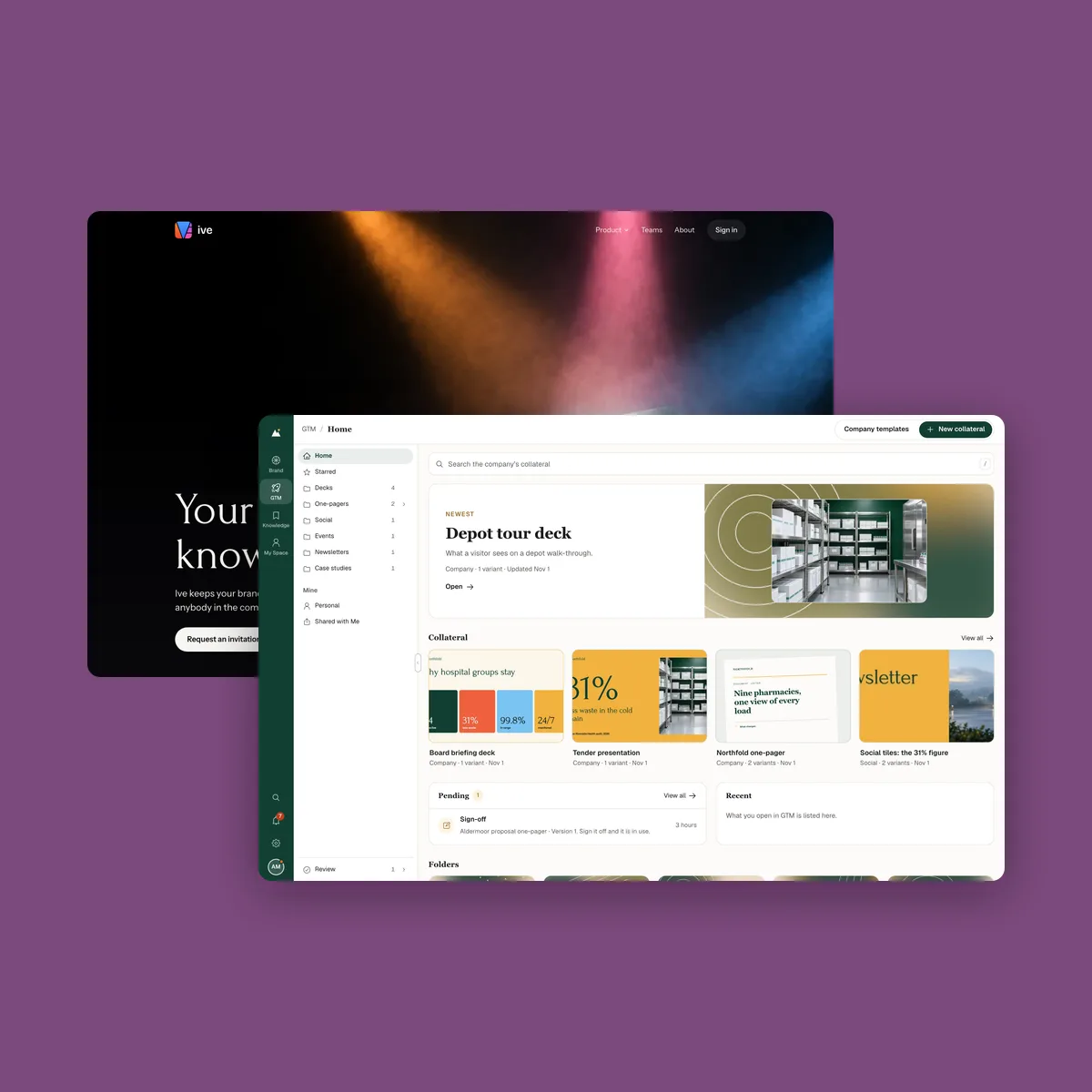 Ive. A workspace for brand, knowledge, and marketing