Ive. We designed Ive, a workspace for brand, knowledge, and marketing.
The challenge
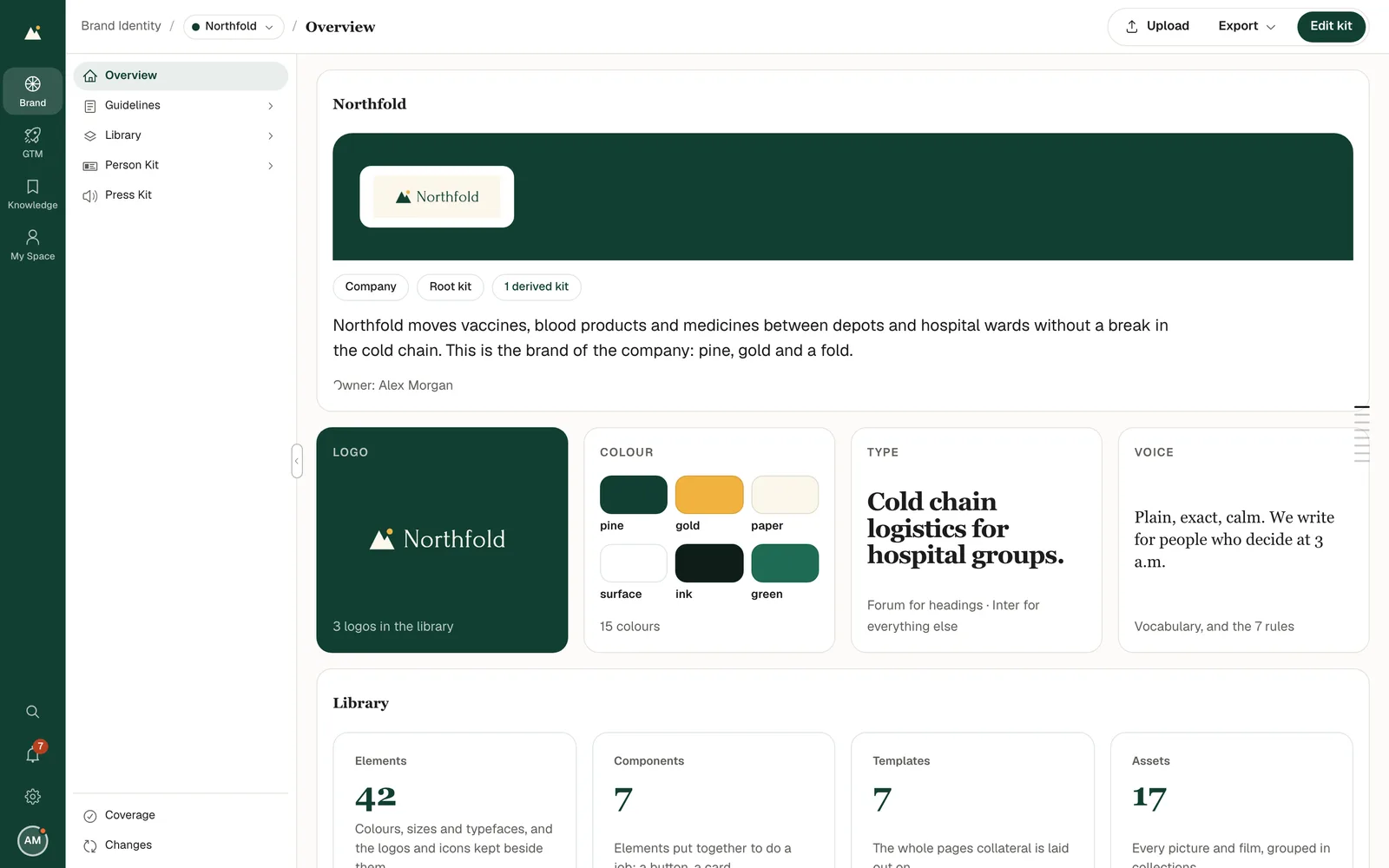
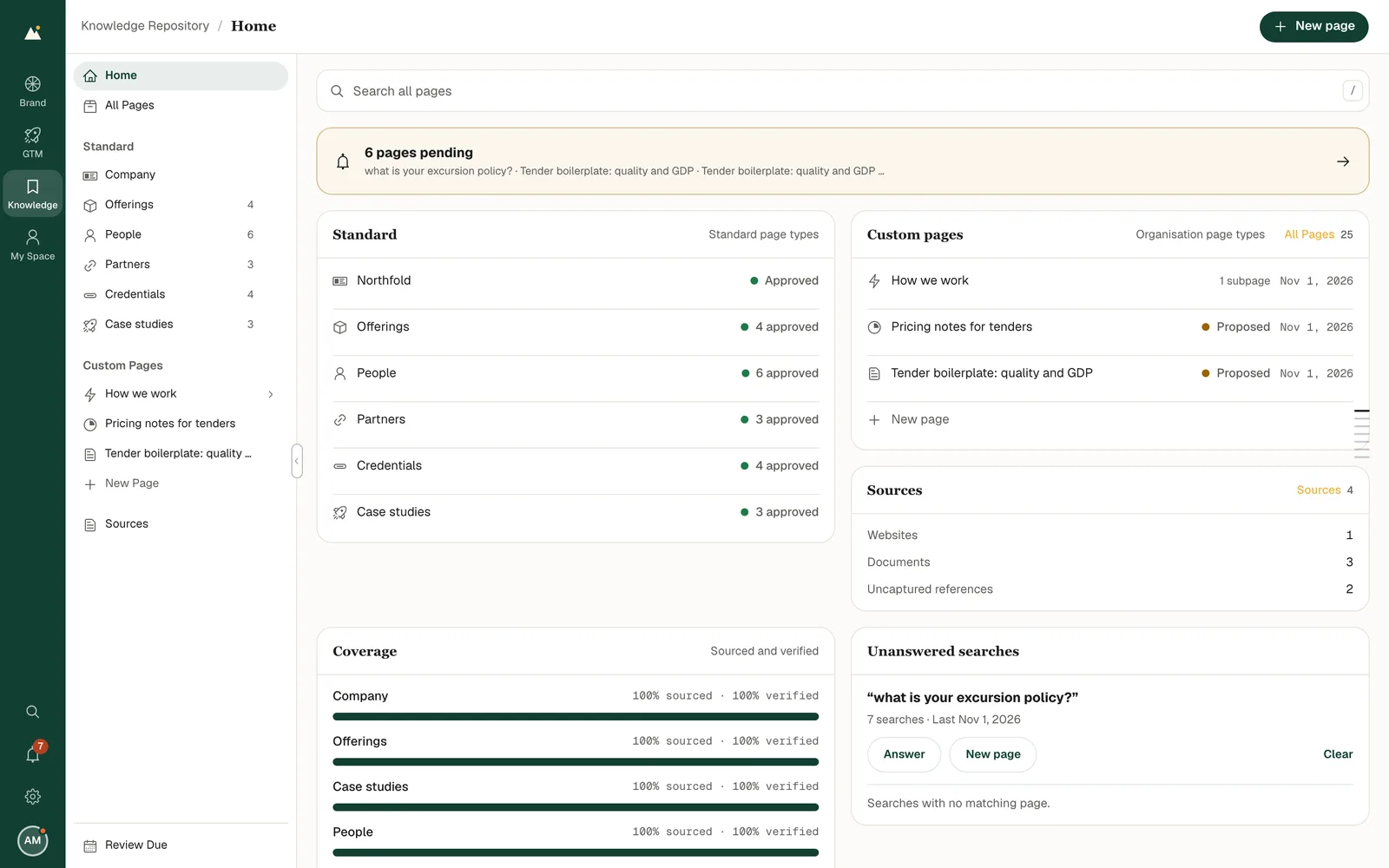
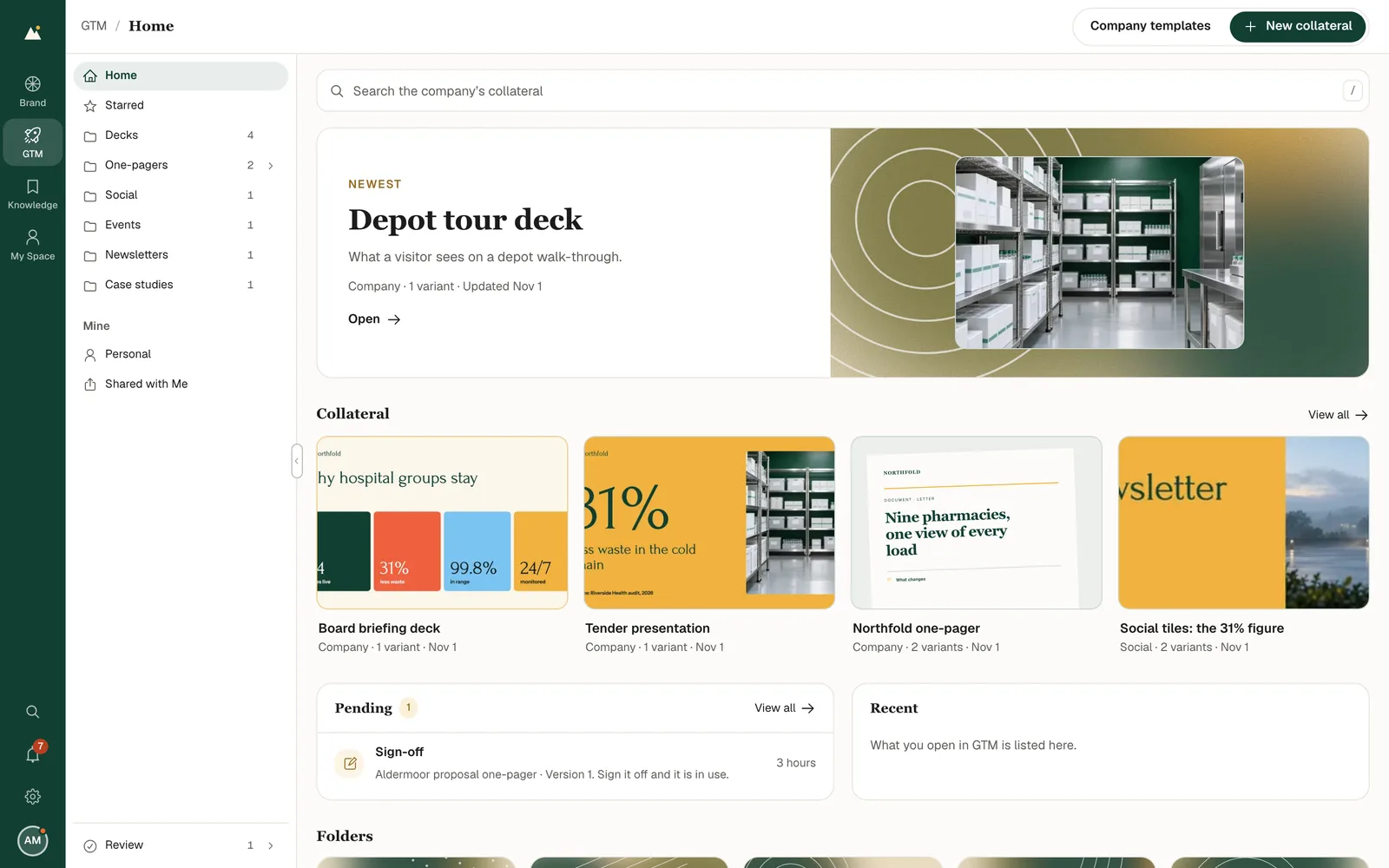
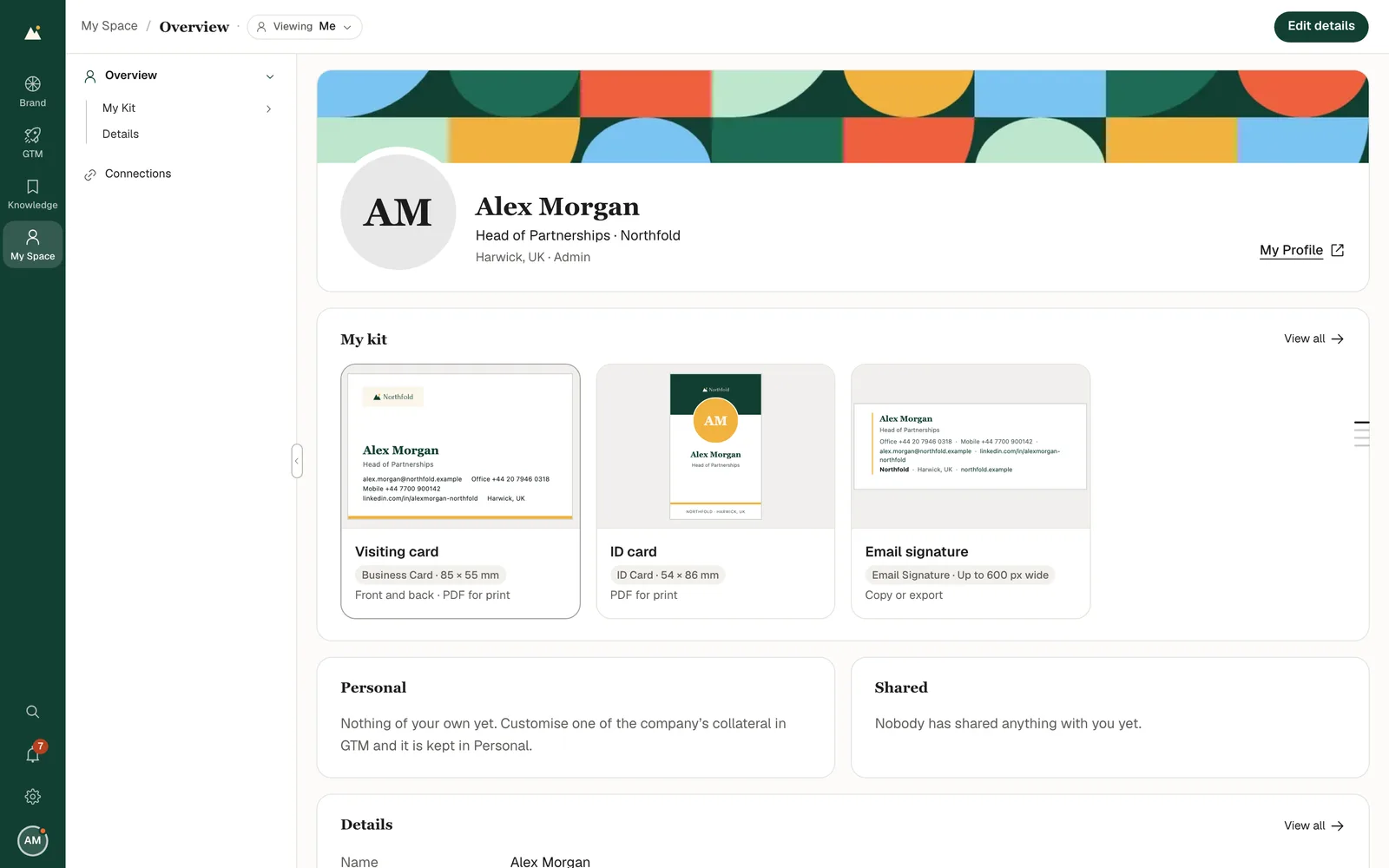
Ive holds a company's brand assets, knowledge, and marketing material, alongside each person's own work. The design needed to distinguish those areas and make review responsibilities visible within a shared workspace.
We designed the interface, from the four-app navigation to document editing, review flows, and phone layouts. Shared controls connect the apps; the interface reflects what a person or their assistant has permission to read and change.
We connected four apps through shared navigation.
Finding the right place
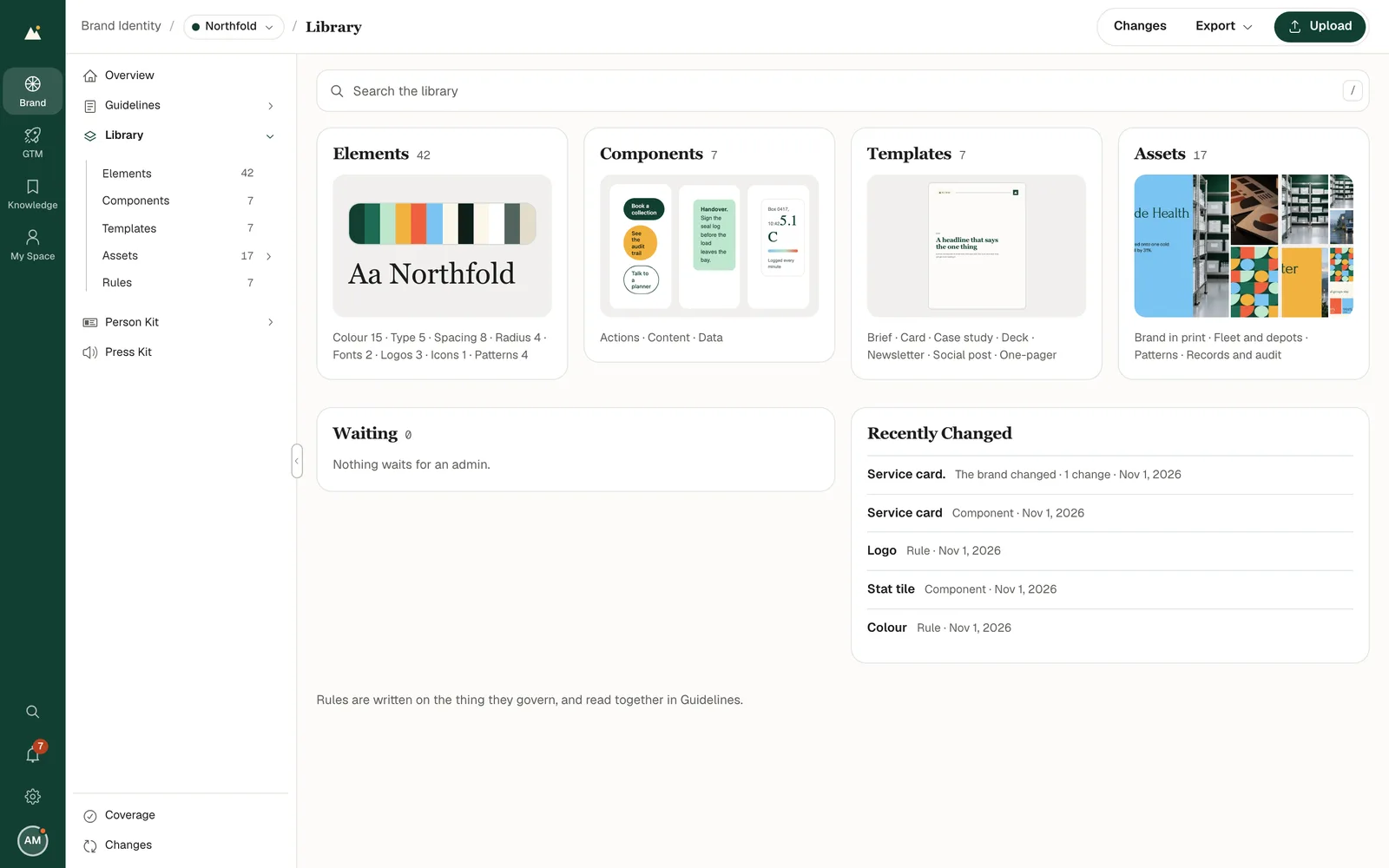
Brand identity holds the brand system. Knowledge repository holds company information. GTM organizes marketing collateral and personal versions. My Space holds personal details, kits, and connections. We separated these jobs at the app level and kept navigation within each app local. Within Brand identity, the library organizes elements, components, templates, and assets as distinct sections.
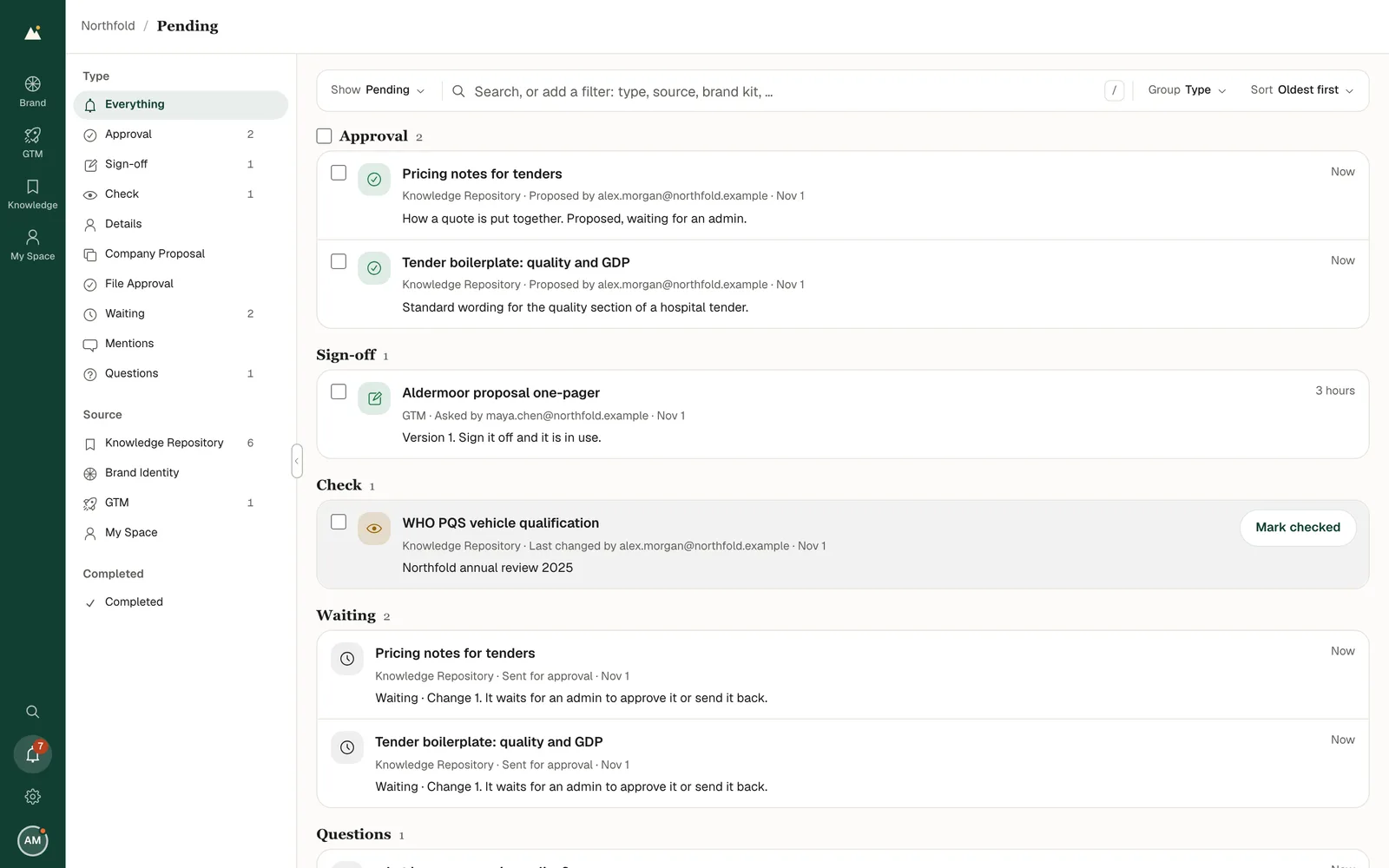
We brought review requests into one view.
Review and responsibility
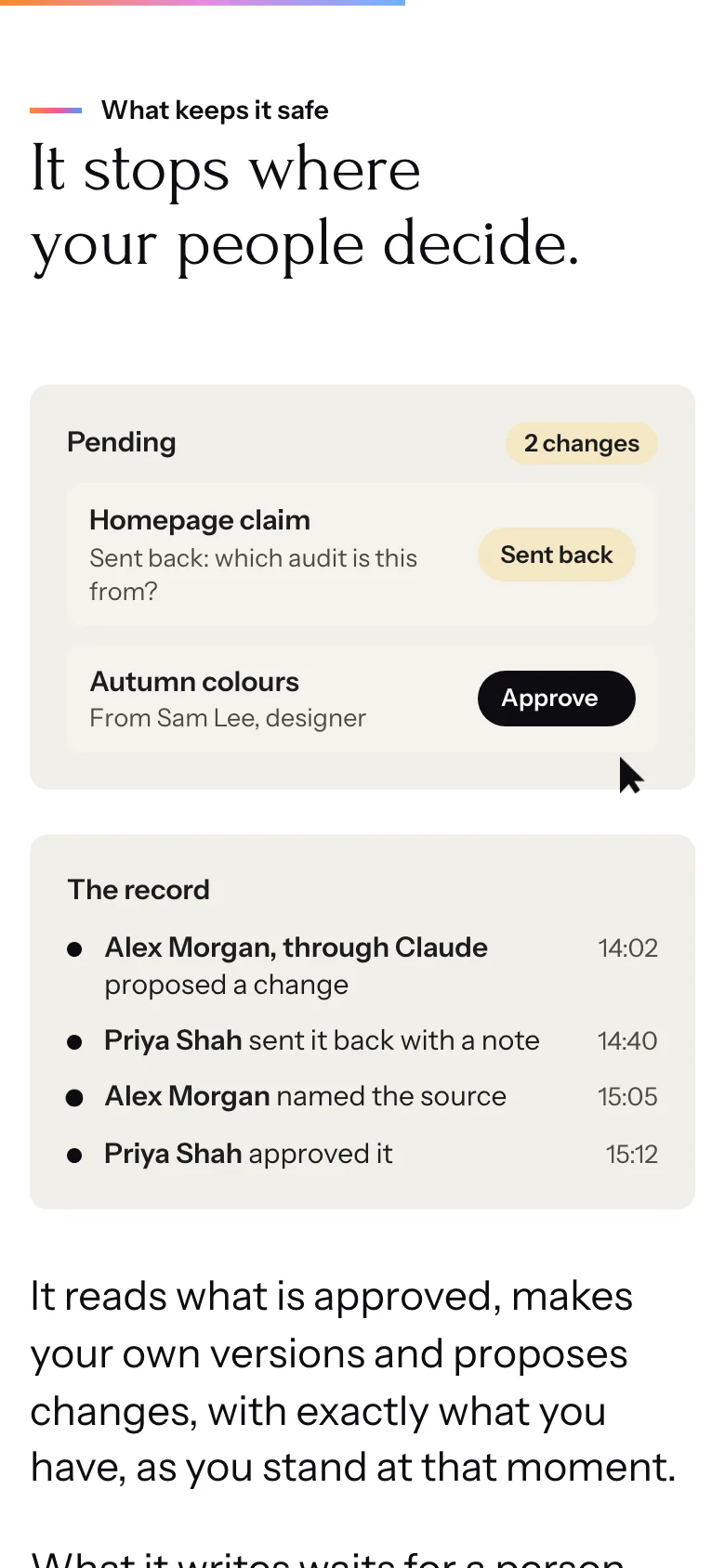
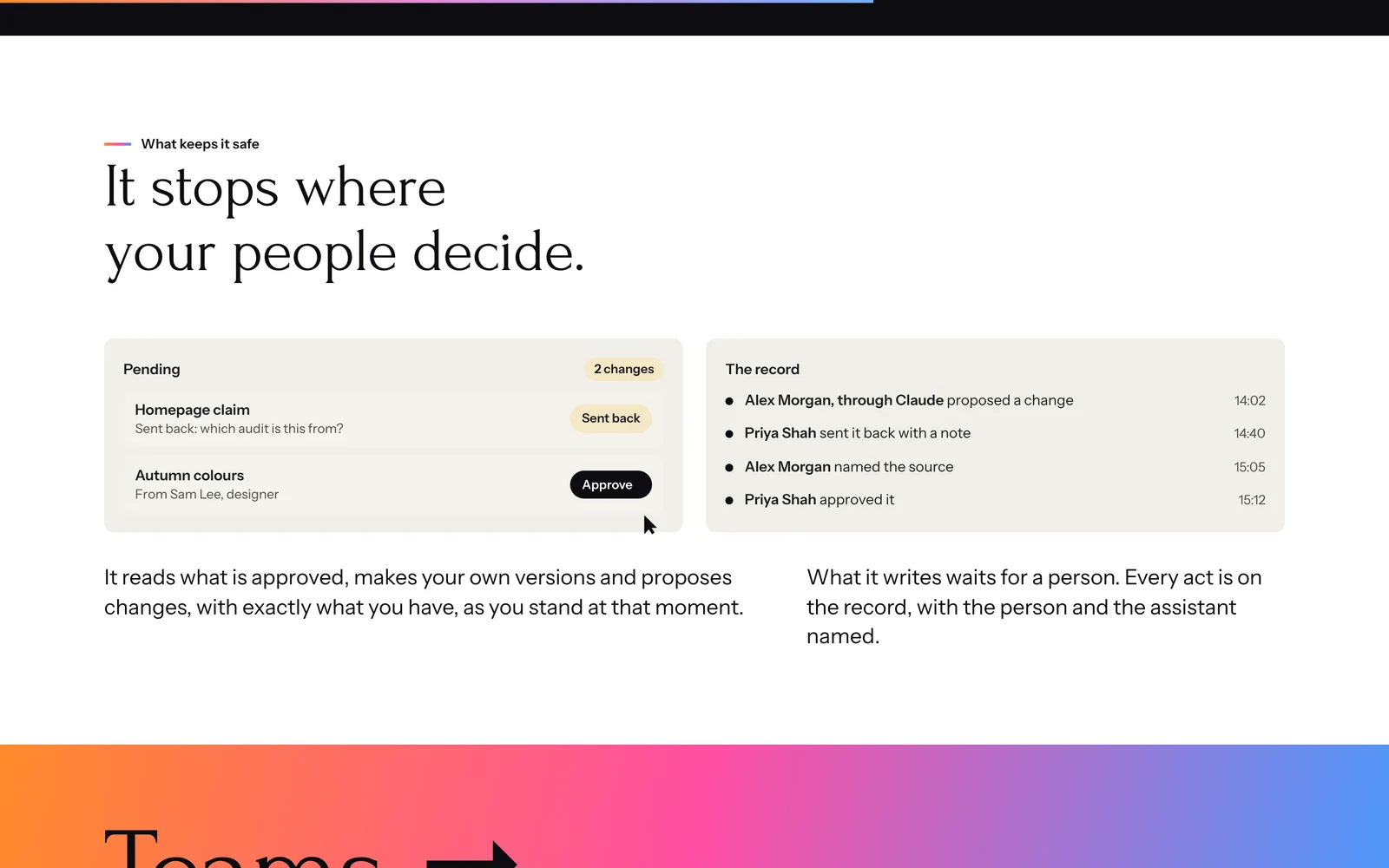
Requests can come from across the product. Pending gathers them in one view, organized by type, source, and completion. People open the item to act in context. Designer and editor proposals wait for an admin's decision; administrators can also publish directly.
We separated document preview from editing.
Using the material
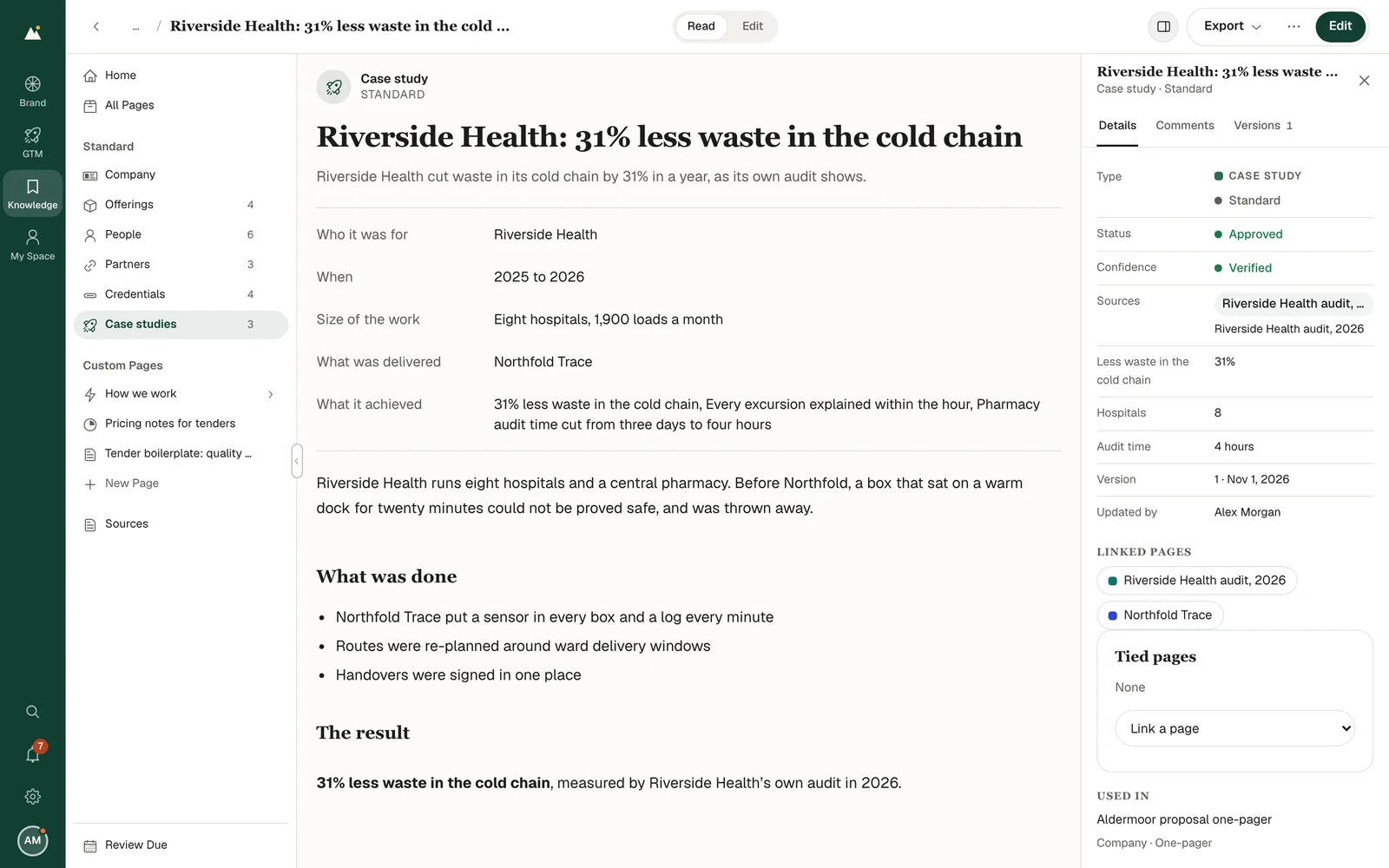
A finished document and its editing tools serve different tasks. Preview keeps the document in view; Design exposes layers and properties. Knowledge uses Read and Edit for the same distinction. Save, Cancel, and unsaved-change protection mark the boundary between a change in progress and saved work. Export groups the output format with its options and preparation state.
We defined shared rules for surfaces, type, and controls.
Design and implementation
The interface uses warm paper and dark ink, with color assigned to focus and feedback states. Geist carries the interface; Geist Mono distinguishes technical values. Five shared corner sizes define shapes for controls and surfaces. Cards within a page stay flat, while menus and dialogs share a shadow that places them above the work. These rules live in shared styles used across the apps.
Color
Paper and ink
Default interface surfaces and text.
- Ground#FCFBF8
- Surface#FFFFFF
- Sunken#F3F1EC
- Line#E7E4DD
- Muted#5F5E5A
- Text#1C1C1C
Action and status
Focus and feedback in the default interface.
- Focus#E8502A
- Success#1D7A46
- Warning#9A6400
- Error#B3261E
Type
Geist
400 · 600
Brand identity and company knowledge.
Default product interface
Geist Mono
400
--radius-card: 16px
Technical values and code
We kept workspace appearance separate from document styling.
Brand and product boundaries
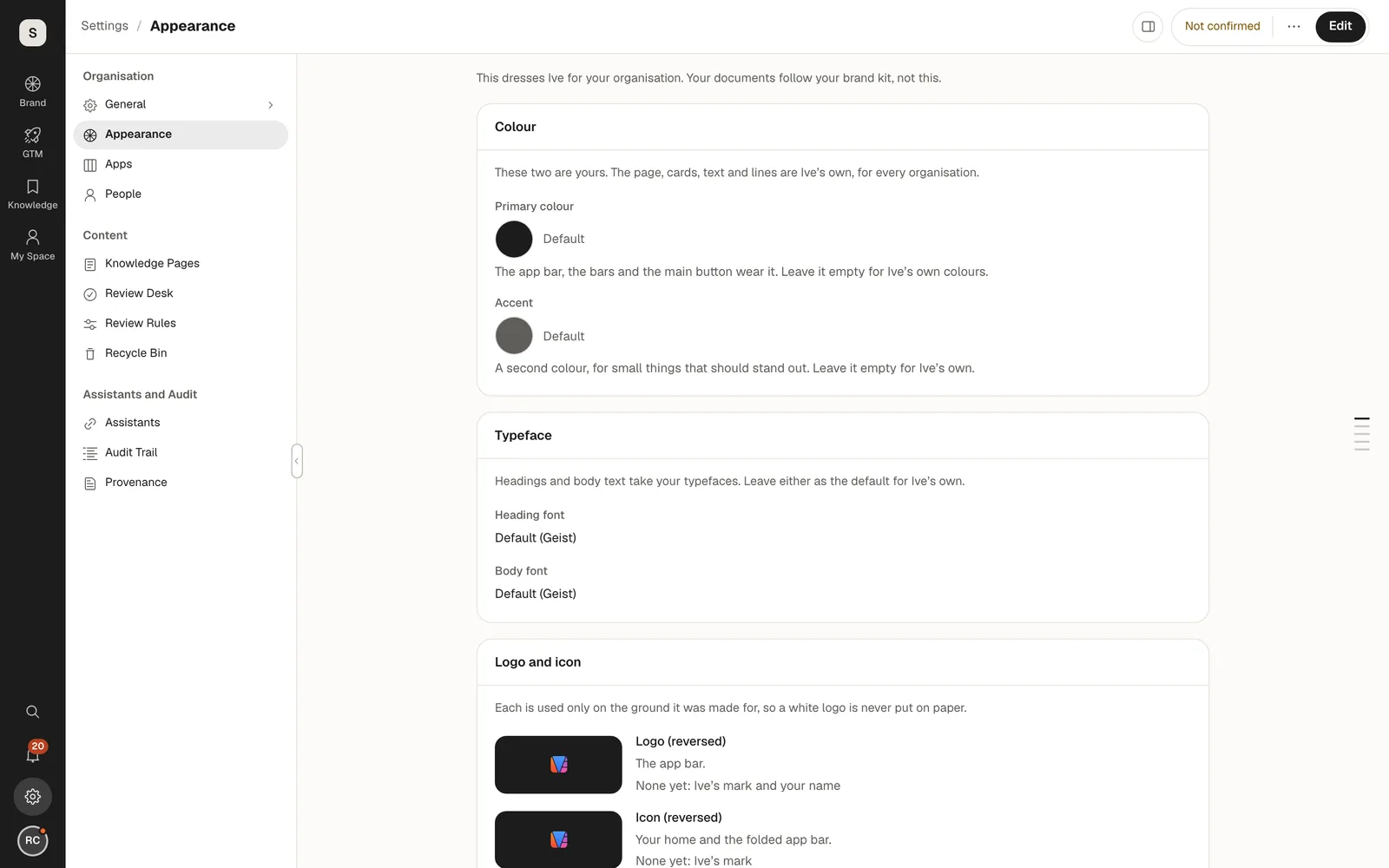
The workspace and the documents inside it have different branding needs. An organization can set workspace colors, typography, logo, icon, and banner while Ive retains its frame and control shapes. Brand kits style documents independently. Keeping those settings separate lets an organization change its workspace appearance without changing its document brand.
We moved app navigation to the bottom on phones.
Responsive interaction
Desktop navigation uses an app rail and a local sidebar. On phones, the app rail becomes a bottom bar and local navigation opens in a drawer, leaving the page width for content. The “You” menu groups Pending, search, settings, and account access. The app structure stays the same as the way into each area changes.
We made assistant permissions visible in the interface.
Connected work
Connecting an assistant gives it access through a person's account. Published brand and knowledge are the default context; draft access requires the appropriate admin connection. The settings expose those permissions alongside context exports. Teams can export brand guidance, design tokens, and company knowledge for use in other tools.
We carried the design through to the interface.
Design implementation
Our design work extends to the shared controls, interaction states, and responsive layouts in the product. The same rules for type, spacing, surfaces, and navigation carry across the screens shown here. This case study covers the interface design in v0.19.0, reviewed on 1 Nov 2026.
Credits
Team
- reDesign UI/UX design, design system, interface implementation
- reLabs Product engineering
Next project: Yellowstone Advisors
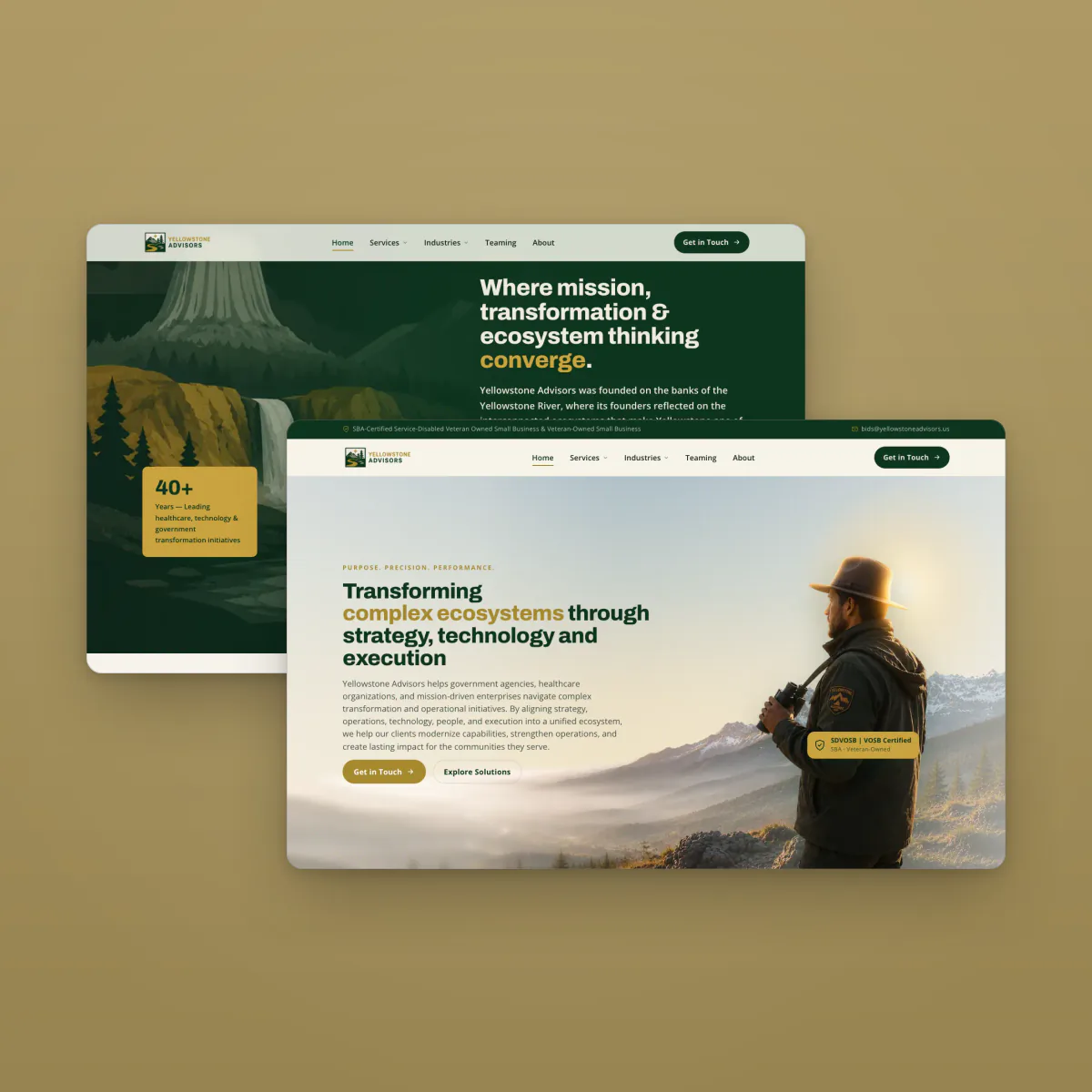 Yellowstone Advisors. An advisory website connecting services, credentials, and landscape art direction